Make room
for focus.
A focus timer. Distraction Blocking. Space to get things done.
Focus, with fewer distractions.
Distraction Blocking.
Block during focus sessions, or keep Blocking on all the time.
Your focus timer.
Custom presets, short breaks and long breaks.
A little company.
Ten pixel companions. Windows and Android.
A change of scenery.
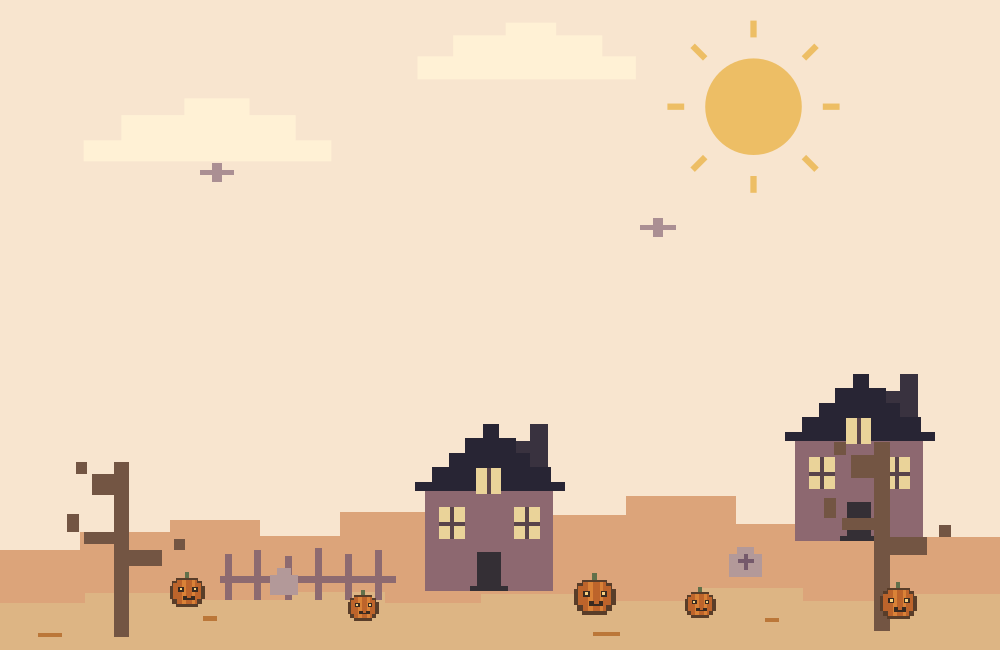
Seven illustrated themes, color palettes, and light or dark mode.
One shared history.
Tasks, focus history, progress and Blocking rules. Sync when you choose.
Windows. Android. Forcus.
Choose your platform.
Good to know.
Is Forcus available to download?
Public downloads are not open yet. Android will be available through Google Play; Windows will have a direct installer. Pricing is not finalized.
Do I need an account?
The timer, tasks and local Blocking work without an account. Sign in with Google and enable Sync this device to share tasks, history, progress and Blocking rules. Cloud sync needs internet.
What can Blocking do?
Choose Focus only or Always. Website, keyword and supported social section rules work across platforms; Windows also has individual-tab, app-minimizing and folder rules. Android needs local Accessibility permission. Social app layouts and device restrictions can limit enforcement.